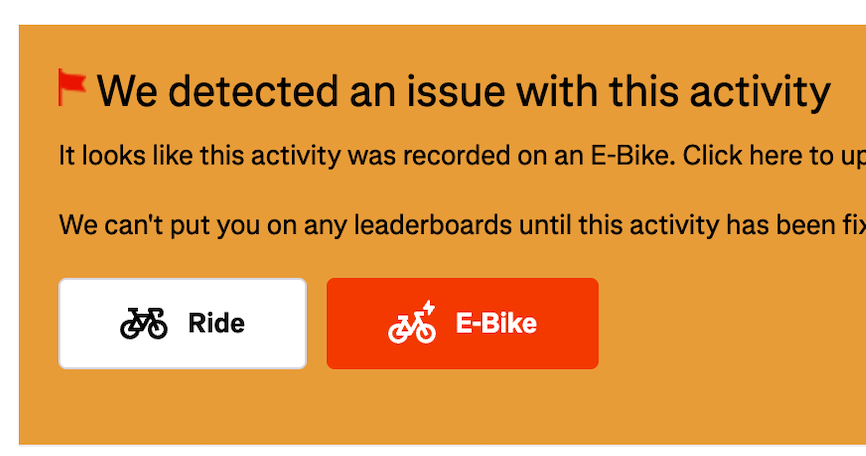
I’ve had a bit of a run lately of old Ride activities being auto-flagged as potential E-Bike rides as Strava’s algorithms work through trying to spot and deal with potentially mis-typed activities and other data anomalies. There was a time when I was relatively fit on the bike and it looks to be some of the rides where I had a bit of an effort that have been flagged. Once flagged, these activities will no longer appear on Segment Leaderboards in Strava or count towards your Summary/Leaderboard totals in VeloViewer. Fortunately they are prominently listed for you in VeloViewer and then easy to resolve in Strava.
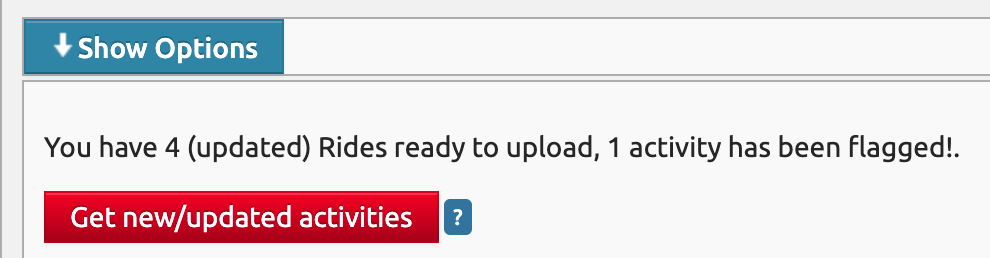
When you head to your VeloViewer update page, the logic checks for any newly flagged activities and shows the “[n] activities have been flagged” message:
I don’t always spot this when updating but whenever you view your Summary page it will clearly show if you have any sync’ed, flagged activities at the top of the page:
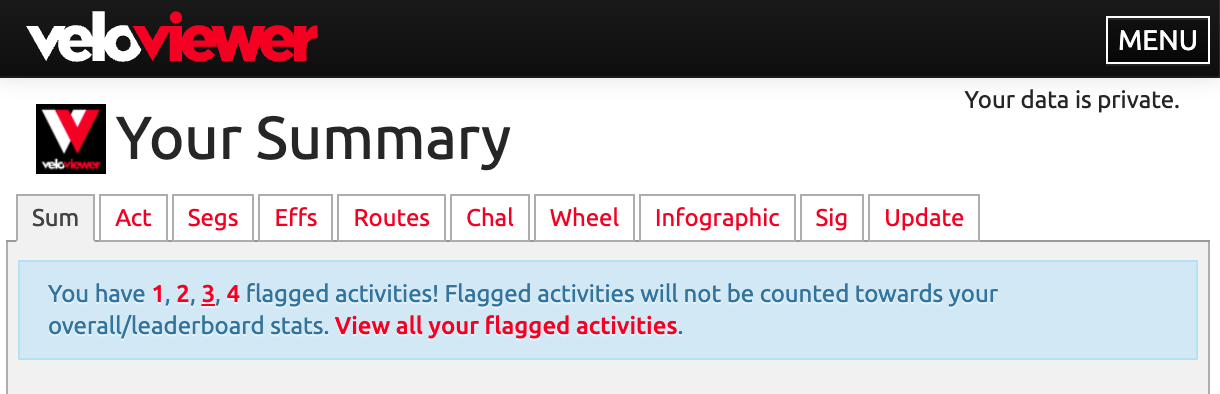
The 1, 2, 3… links will show for each activity you have that is flagged. Clicking the number will open the activity in Strava to allow you to resolve them. The “View all your flagged activities” will open the Activities page with the Flagged filter set so it will list just these flagged activities.
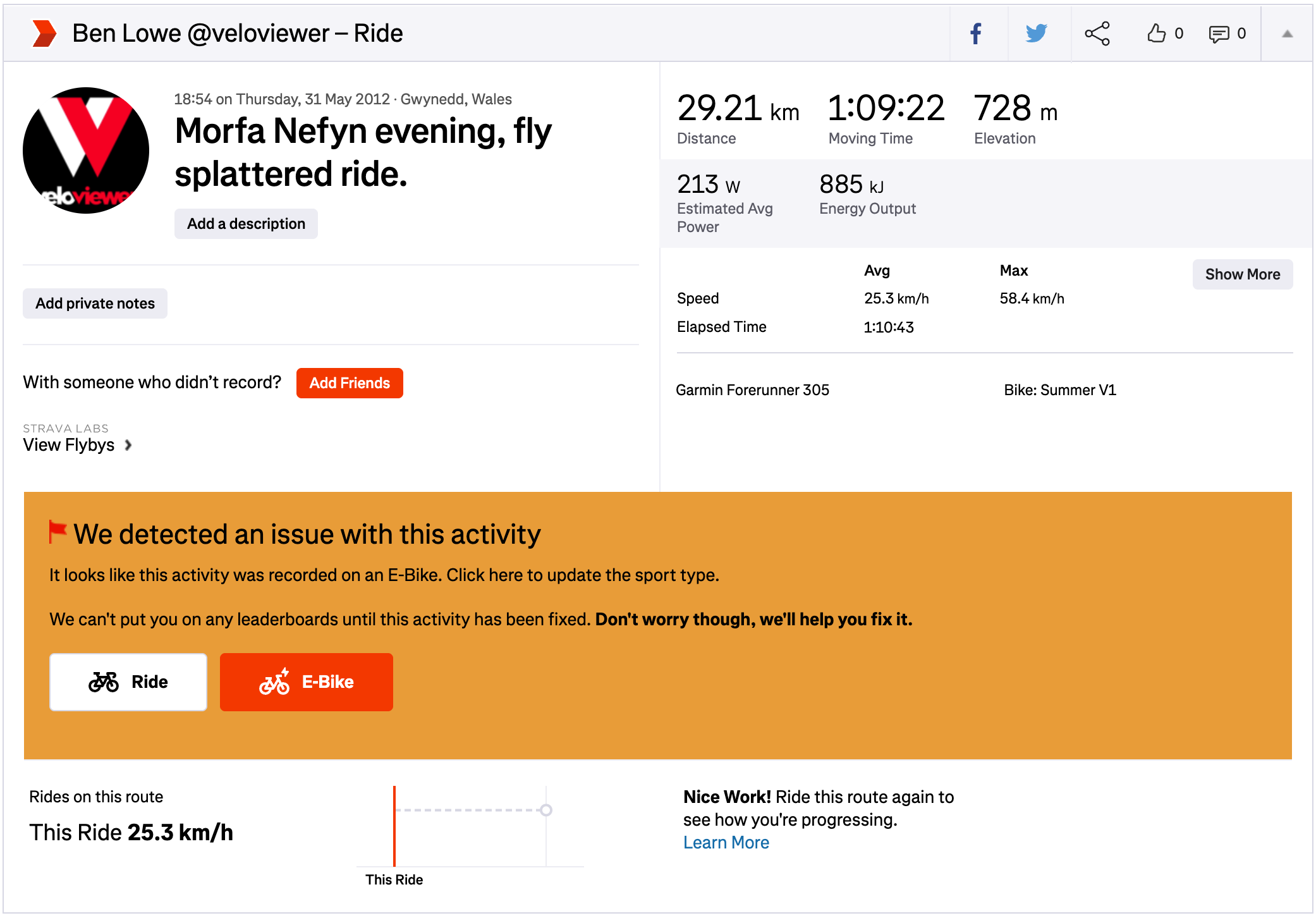
After clicking on the number link, the Strava activity details page should display the reason for the flagging along with the way to resolve it. All of these ones I’ve had recently are where the auto-flagging algorithm suspects that my Ride might be an E-Bike. Clicking the white “Ride” button confirms to Strava that the activity is a valid Ride activity and not an E-Bike and clears the flag:
There are other reasons an activity might have been auto or manually flagged like leaving your GPS device recording on the drive home is very easily done. See this Strava help page for full info on how to resolve other type of flagged activity.
Once you have resolved your flagged activities, head back to your VeloViewer Update page and re-sync those updated activities then those activities’ stats will once again be included in your Summary page and leaderboard totals.