Recon mode allows a user to add, edit and delete waymarkers within the Live app. There are some restrictions on this based on the role of the context user in that Race Hub:
- Full: (e.g. a DS) Can add/edit/delete any waymarker added by any user within their own organisation. They will not be able to add/edit/delete Race Organiser waymarkers shared to their organisation. A full user of the Race Organiser will of course be able to add/edit/delete all of their waymarkers, but they won’t be able to edit/delete UCI waymarkers added by UCI Commissaires or SafeR.
- Restricted: Can view all waymarkers added by the Race Organiser or the DS’s on their team, but cannot edit/delete. They are able to add/edit/delete their own Bidon/Feed waymarkers.
- Help: Recon mode is not available.
- Single Race/Stage Live app: Recon mode is not available.
Setting up and using Recon Mode
In the Live app, go to the Settings page and select “Recon mode”.
With this enabled you will see a “✚ Waymarker” button above the waymarker list:
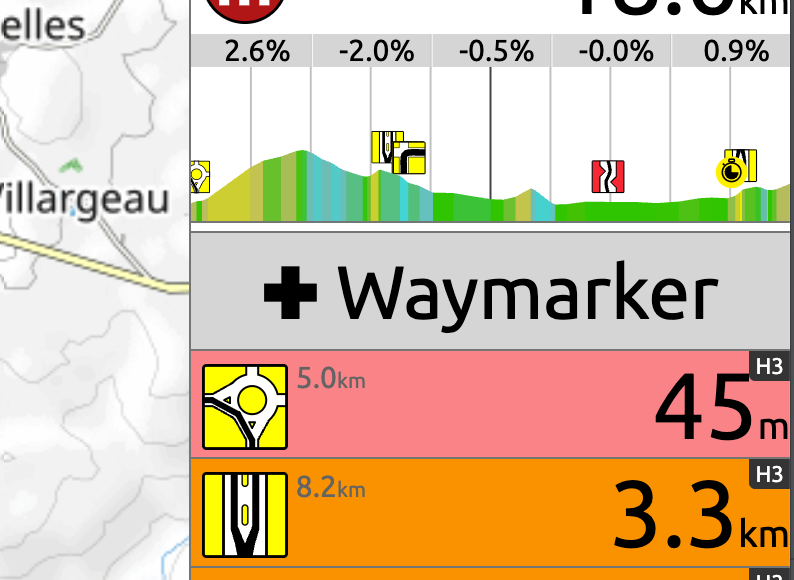
Pressing this button will open the Add Waymarker popup with your current location (at the exact time you press this button) as the position for the waymarker.
Also, if you tap on the map along the route, you will see a popup at the top of the page which also has a “✚” button shown:
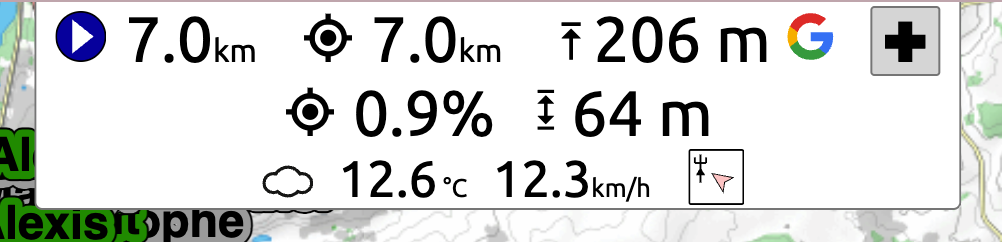
Pressing this button will open the Add Waymarker popup with the selected location as the position for the waymarker.
Add Waymarker popup

This popup is also shown when you press one of the existing waymarkers in the list but will be read-only if the waymarker isn’t editable by you.
The waymarker type will default to the last one you used but it can be easily changed using the waymarker picker.
If you are short of time and just want to create the waymarker and then come back to it later to populate more information then this is fine. Just press the “✚ Waymarker” button and then press “Save”. The waymarker will be saved at that location and will be available to you or your colleagues to populate. This could be done via the Live app or via the Race Hub after the race.