 Kinomap, the home of fully geolocated videos (videos tied into GPS data), are now automatically matching up the 1,000’s of videos uploaded to their site with Strava segments and VeloViewer has entered into a cross-Channel collaboration to connect those with your own data. You will now be able to filter your Segments List and the segments on your Activity and Route Details pages to discover those with Kinomap videos and of course watch the videos embedded in the VeloViewer Segment Details page. So whether you are wanting to relive the views from past rides or check out the roads of your next holiday then this new integration is here to help.
Author: Ben Lowe
Rio Olympics Time Trial and Road Race Course Details (Men’s and Women’s)
 The Rio Olympics’ road cycling events are set to be a real opportunity for the climbers with gradients approaching 20% on both the road race and time trial courses. I suppose the sprinters have got the World Road Race Championships in Doha to look forward to this year! (Update: now also includes triathlon bike loop)
Viewing GPX files in VeloViewer
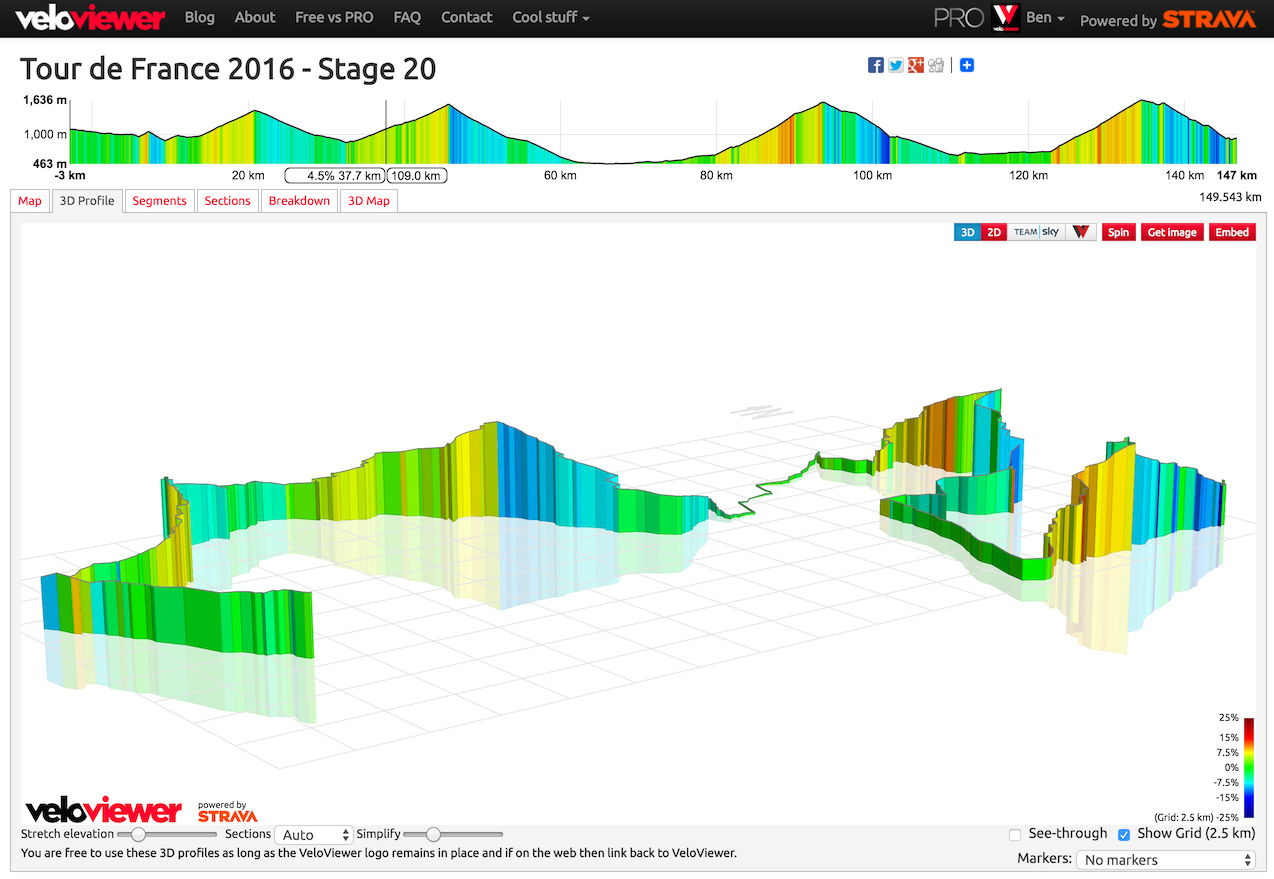 Often events like sportives or races will provide GPX files of the course for you to upload to your GPS device, but I get lots of requests to be able to view those GPX files in VeloViewer in order to see 3D profiles, Google StreetView and other features of the VeloViewer Route Details page direct from these files. VeloViewer has two ways to do this, one is fast but slightly limited, the second is a bit more involved but provides all the features:
How to view any Strava Segment in VeloViewer
 This is one of the most commonly asked question I get but whose answer deserves more than just a place on the FAQ – “How do I view segments on VeloViewer that I haven’t ridden?”. Maybe you’re planning a holiday or about to tackle a race or sportive and you want to check out what you’ve let yourself in for? Well, here’s how to do it.
VeloViewer – Official Supplier to Team Sky
 “Working with Veloviewer has been one of the best improvements this year.”
Dario Cioni (Team Sky – Sports Director)
You may have noticed that Team Sky has been tweeting out VeloViewer 3D profiles as well as custom 2D VeloViewer profiles this year; behind the scenes I have been working closely with Team Sky’s performance staff providing a one-stop-shop for all of their race-recon needs for the 2016 season.
“VeloViewer is everything we need at our fingertips. It saves us time because we don’t have to navigate between different types of web sites to get all the technical details of the race parkour we require. You can even find, with street view, a nice cafe for your coffee stop!”
Nicolas Portal (Team Sky – Sports Director)
This is a really exciting development for VeloViewer. The early feedback has been great and many of the new features requested by Team Sky are available for everyone to use at https://veloviewer.com
Tour de Yorkshire 2016 Route Details (including Women’s race)
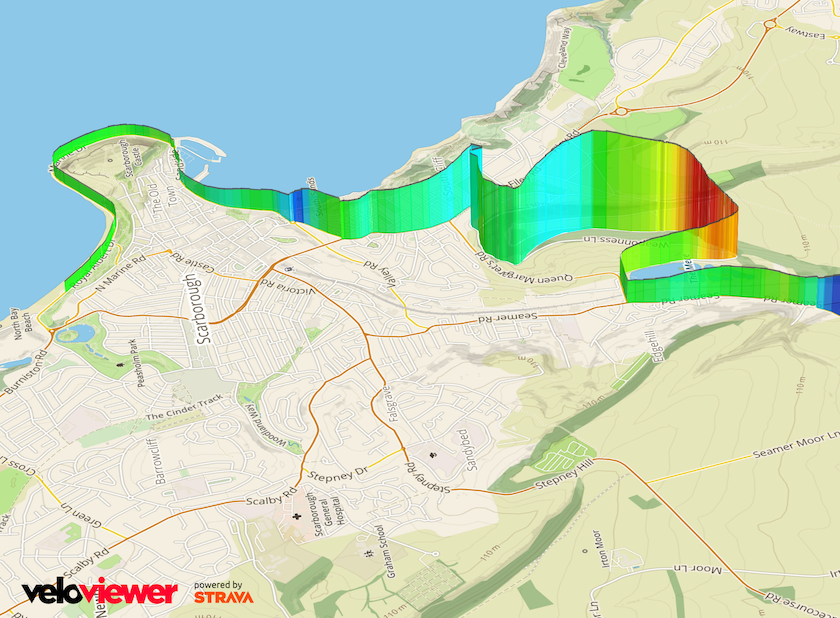 It is an exciting time of year for us Yorkshire folk as some of the best cyclists from around the world compete on our roads and show off our county to the rest of the world. Not only do we have the 3 day long men’s race we also are treated to the full women’s peloton racing the full route of the 2nd stage including World Champion and Yorkshire lass Lizzie Armitstead along with a Emma Pooley who is looking to make the Olympics squad with some Rio courses that are perfectly suited to her abilities.
Mapped Gradient Colours and Google Street View for your Strava Activities, Routes & Segments
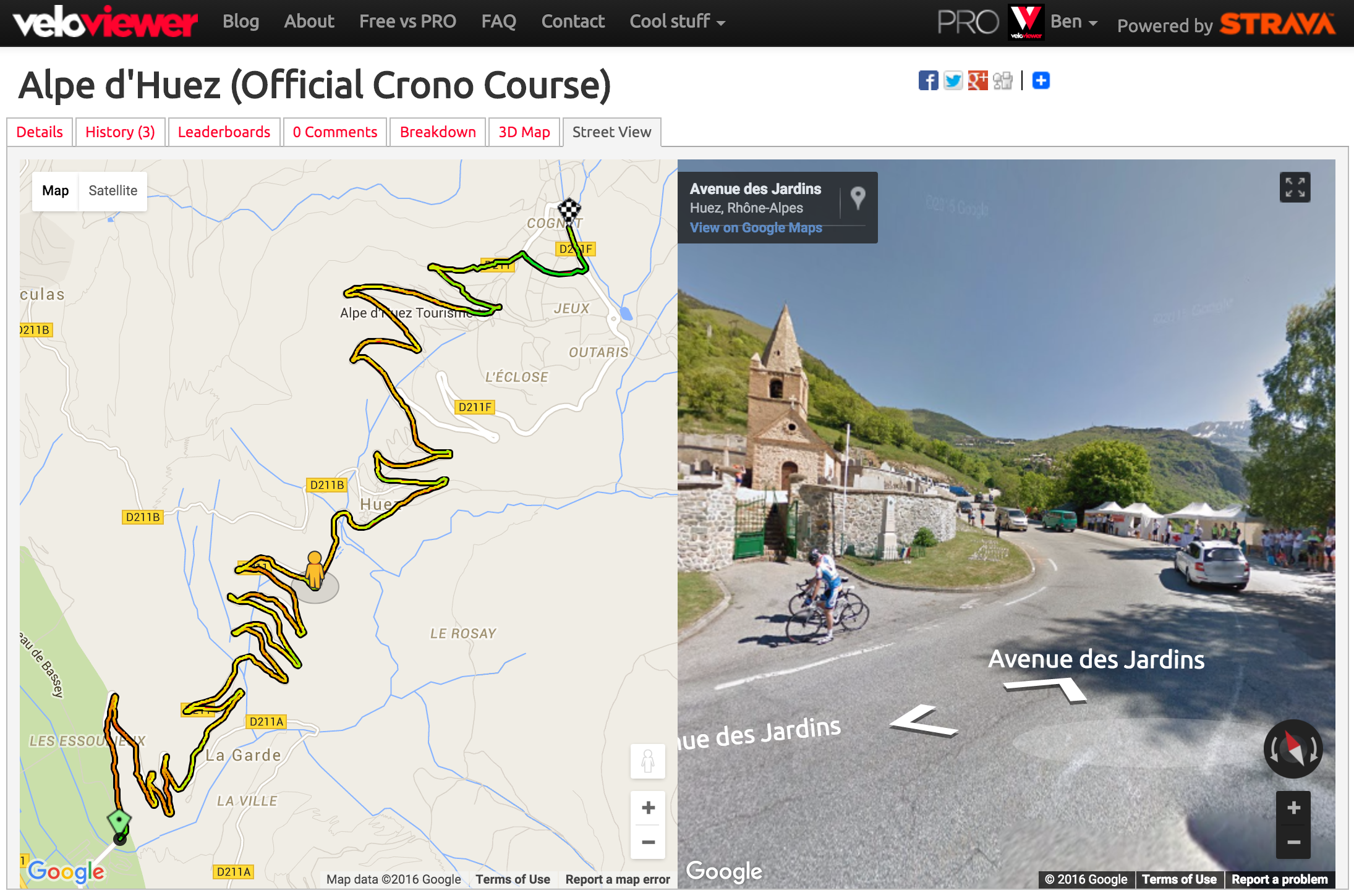 Although we’d all love to be out riding/running much more often, sometimes we’re stuck, looking at a computer, pretending to work. So to make that time as engaging as possible you can now reccy new routes, swot up on all the details of a segment or relive a ride/run from the past using the new/revised Google Street View integration on VeloViewer. Combine that with the new colour gradients shown on the maps and you get a fantastic way to explore the twists, turns, ups and downs.
Activity/Route/Segment Direction/Gradient Breakdown
 A while ago I built a visualisation to display the orientation of roads in a defined area and had requests to have a similar view for activities. Well, two years on (I know!) and here it is, with the added breakdown by the gradient of the roads/trails. Just head to the “Breakdown” tab on any Activity, Route or Segment Details page. Filtering the selection in the top profile (Activity & Routes) updates the visualisation appropriately.
Embeddable Strava Route Interactive 3D Profiles
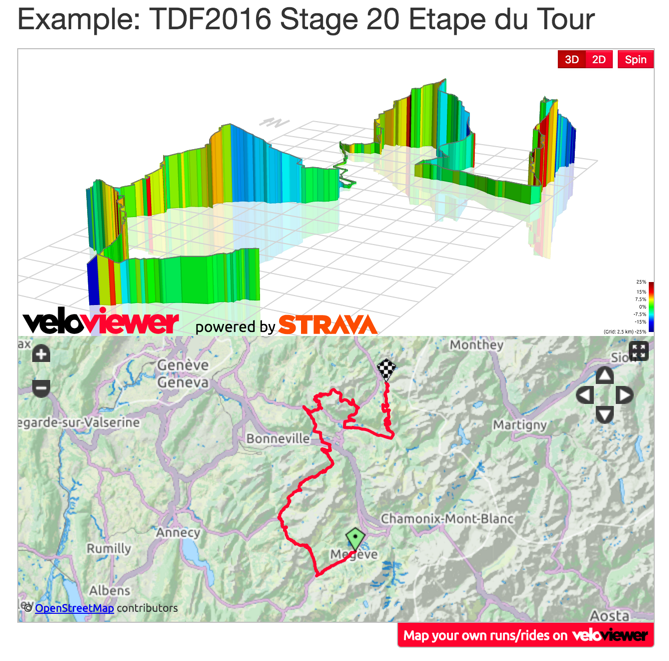 The ability to view your Strava Routes was recently added to VeloViewer and no sooner than it went live I had requests to be able to embed those route profiles and maps on people’s own blogs. In just the same way as you can add segments using the embed scripts you can now include a full route on your own site.
Your 2015 VeloViewer/Strava Infographic
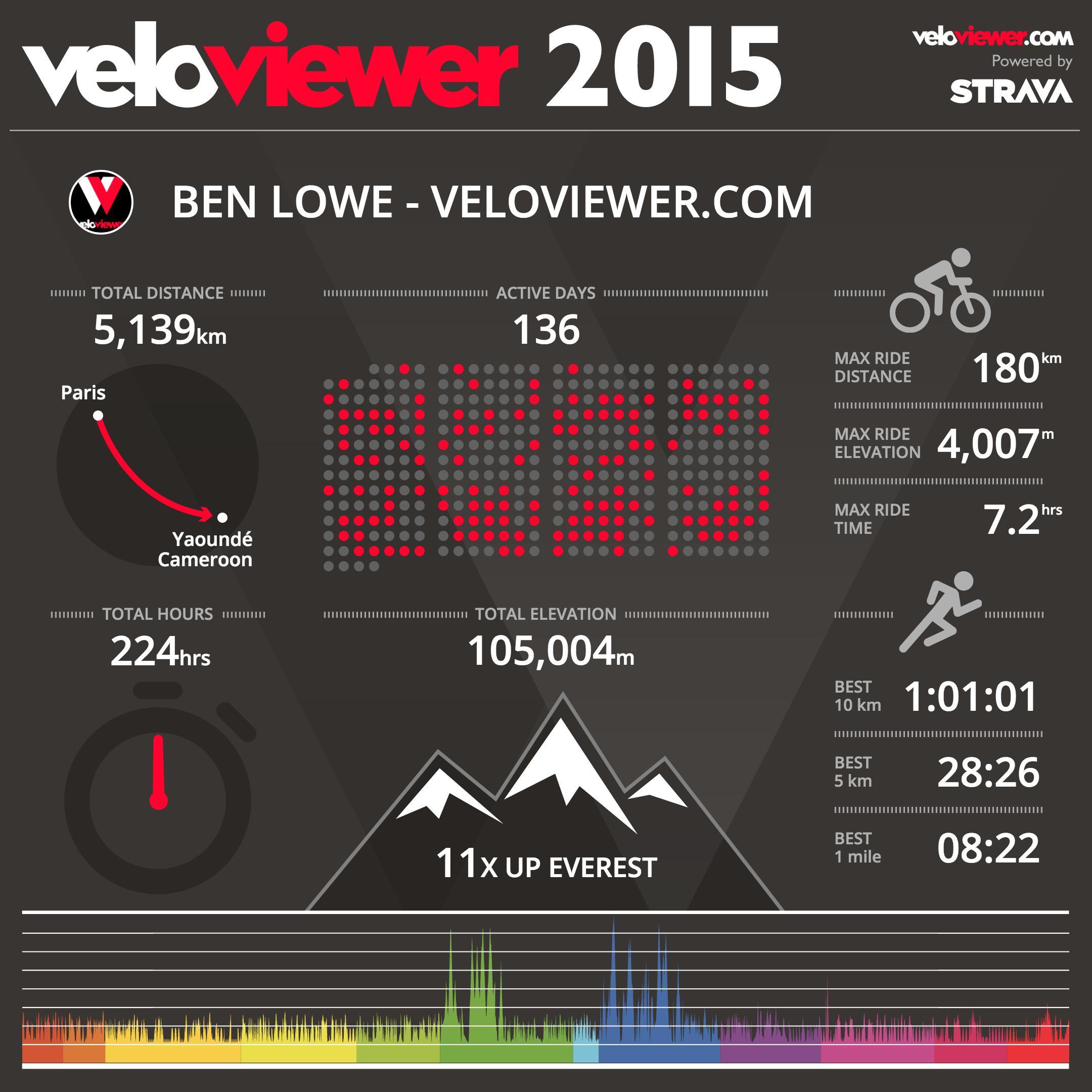 It is that time of the year when we can bask in the glory of our own epicness with (hopefully) huge distances explored, mountains conquered and PBs smashed making all of the saddle sores and blisters worthwhile. Or perhaps a year of simply commuting to work or Park Runs with most likely more impressive results than my own! Whatever your achievements this year VeloViewer has stepped up to provide you with a funky infographic that hopefully you’ll all share far and wide showing everyone what you’ve been up to.