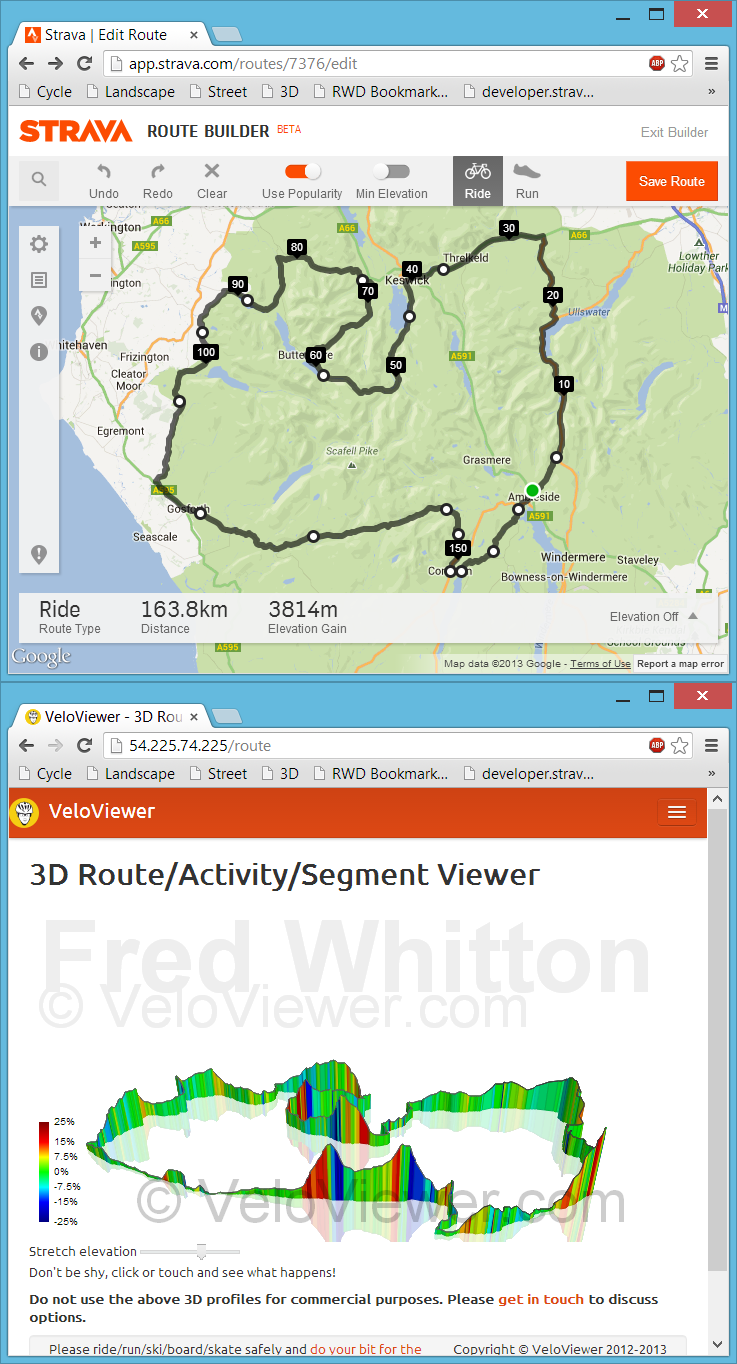
In summer 2015 Garmin introduced Live Strava Segments and since then both Mio and Wahoo Fitness have also introduced the feature to their recent devices (full list of supported devices). Currently the Garmin devices are limited to bringing in just 100 of your starred Strava segments. This resulted in a number of VeloViewer users asking for a quicker way to manage their starred segments when planning trips away as they were going beyond that 100 segment limit. Strava kindly opened up their API for starring segments so I’ve added in the ability to star and unstar segments in every possible location in VeloViewer to make life a bit easier for you.
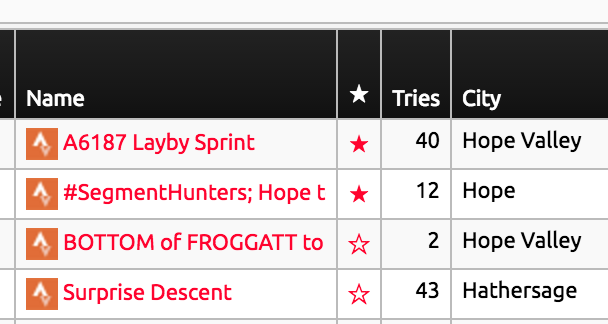 Wherever you see the star next to a segment you can now press it to toggle its starred state. These locations are:
- Segments List
- Efforts List
- Activity Segments
- Route Segments
- Segment Details
I’ve also added a count of your currently starred segments to your Summary page in the header of the “Segment Stats” section which links to your segment list passing the filter to show just the starred segments.

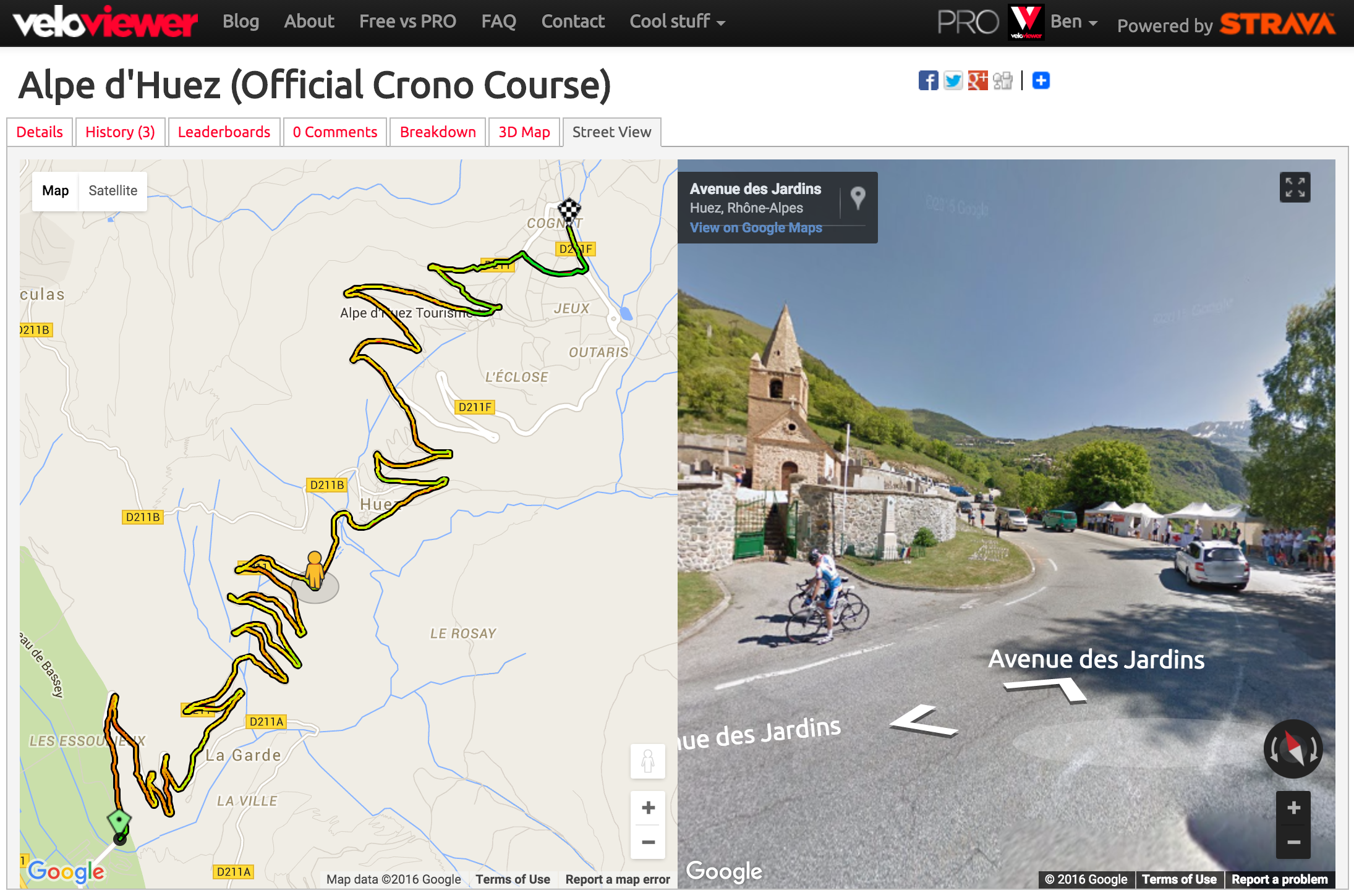 Although we’d all love to be out riding/running much more often, sometimes we’re stuck, looking at a computer, pretending to work. So to make that time as engaging as possible you can now reccy new routes, swot up on all the details of a segment or relive a ride/run from the past using the new/revised Google Street View integration on VeloViewer. Combine that with the new colour gradients shown on the maps and you get a fantastic way to explore the twists, turns, ups and downs.
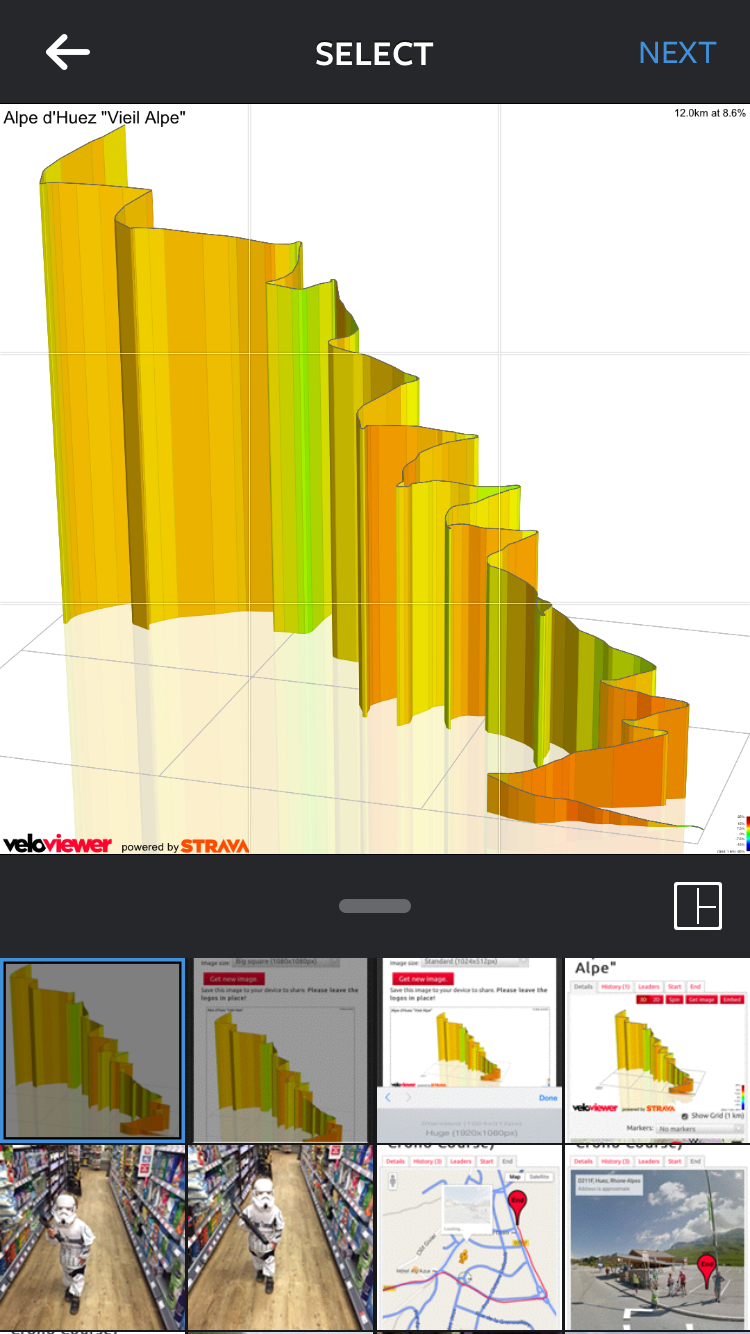 Hopefully lots of you will have seen the 3D profile images being showcased on Eurosport throughout the Tour de France coverage this year. I have now massively improved the way you can get hold of your own 3D profile images of rides, runs or segments to make it much easier for you (as well as me) to attach to your Strava activities or share on social media from your phone, tablet or PC/Mac.
 Most of you by now will have tried out the new activity details page on VeloViewer but in the depths of a northern hemisphere winter, here’s how you can use it to find your